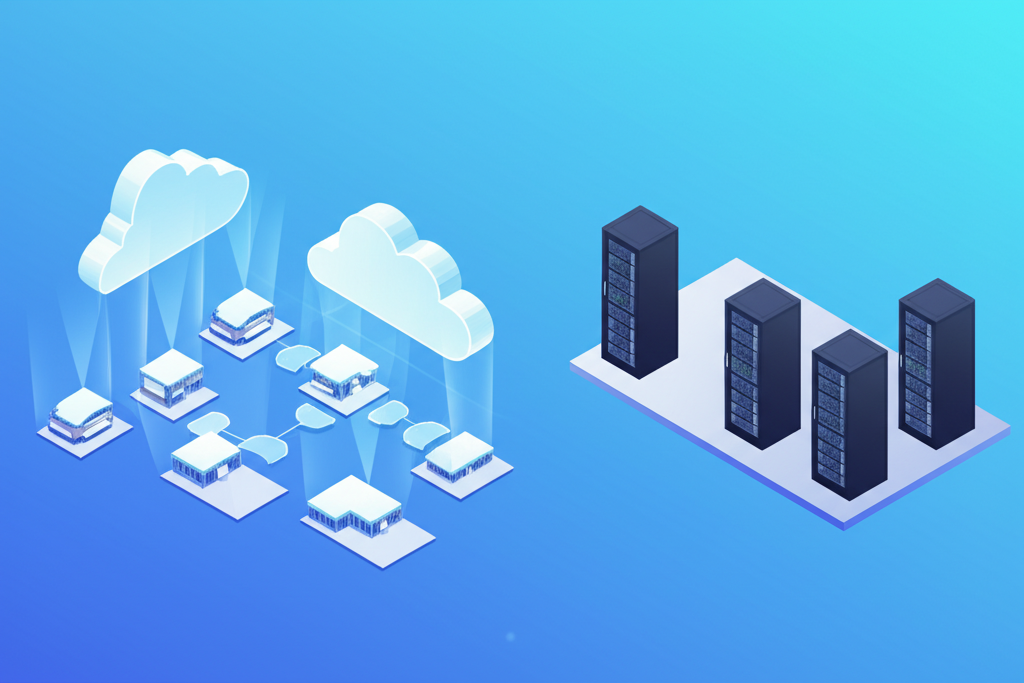
Cloud DMS vs On-Premise: Pros/Cons for Dealerships
Compare cloud DMS and on-premise dealer management systems: cost, security, access, maintenance. Detailed pros/cons analysis for independent dealers.
Cloud DMS runs in a web browser with no software to install - it offers automatic updates, remote access, and typically costs 50-70% less than on-premise systems. On-premise DMS requires local server installation, manual updates, IT staff, and can only be accessed from dealership computers.
For independent used car dealers (5-500 vehicles), cloud DMS is almost always the better choice due to lower cost, faster setup, and reduced IT complexity. The total cost of ownership over 5 years is $32,000-$59,000 lower for cloud systems.
Cloud DMS vs On-Premise: Complete Comparison
| Feature | Cloud DMS | On-Premise DMS |
|---|---|---|
| Monthly Cost | $199-$899/month | $1,500-$3,000+/month + IT costs |
| Installation | None (web browser) | Local server setup (2-4 weeks) |
| Updates | Automatic (no downtime) | Manual (IT staff, planned downtime) |
| Access | Anywhere (mobile, home, remote) | Dealership computers only |
| Backup | Automatic (redundant) | Manual (IT staff responsibility) |
| Security | Enterprise-grade (SOC 2, ISO 27001) | Dealer responsibility (varies) |
| Disaster Recovery | Automatic (multi-region) | Manual (requires planning) |
| IT Staff Required | No | Yes (internal or contracted) |
| Scalability | Instant (add users/features) | Slow (hardware upgrades) |
| Setup Time | 24-48 hours | 4-8 weeks |
Cloud DMS Advantages
Modern cloud platforms deliver operational benefits that on-premise systems cannot match at any price point.
1. Lower Total Cost of Ownership
- No Hardware Investment: Zero upfront cost for servers, backup systems, networking equipment
- No IT Staff: Vendor handles all infrastructure maintenance, updates, security patches
- Predictable Pricing: Fixed monthly subscription vs unpredictable hardware failures and upgrade cycles
- 50-70% Savings: Typical dealer saves $12,000-$25,000 annually vs on-premise TCO
2. Remote Access & Mobility
- Work From Anywhere: Access DMS from home, remote office, or while traveling
- Mobile Apps: iOS/Android apps for sales reps on the lot or at customer's home
- Multi-Location Support: Owners monitor all dealerships from single dashboard
- No VPN Required: Secure browser-based access without complex IT setup
3. Automatic Updates & Maintenance
- Zero Downtime Updates: New features deployed seamlessly without scheduled maintenance windows
- Always Current: Latest features, security patches, compliance updates automatically applied
- No Manual Patching: Vendor handles all software maintenance, security vulnerabilities
- Instant Compliance: Regulatory changes (new FTC rules, OMVIC forms) updated automatically
4. Enterprise-Grade Security & Backup
- SOC 2 Compliance: Annual third-party audit of security controls (vs dealer self-management)
- Automated Backups: Continuous replication with point-in-time recovery (no manual backup tapes)
- Multi-Region Redundancy: Data replicated across multiple data centers for disaster recovery
- Professional Security: Dedicated security teams vs part-time IT contractor
5. Fast Implementation
- 24-48 Hour Setup: Create account, import data, train staff, go live in 2 days
- No Hardware Delays: Eliminate 2-4 weeks waiting for server delivery and configuration
- Minimal Disruption: Keep old system running during cloud DMS trial and training
- Quick ROI: Start benefiting from automation immediately vs months-long implementation
Cloud DMS Limitations
While cloud DMS offers significant advantages, dealers should understand these considerations before switching.
- Internet Dependency: Requires stable internet connection (most systems offer offline mode for critical tasks)
- Recurring Costs: Monthly subscription vs one-time license (though still cheaper long-term)
- Limited Customization: Standardized features vs custom development for specific workflows
- Vendor Lock-in: Switching cloud vendors harder than changing on-premise software (ensure data export rights)
On-Premise DMS: When It Makes Sense
On-premise DMS is rarely recommended for independent dealers, but certain scenarios may justify the complexity.
Potential Advantages
- No Internet Required: Operates on local network without external connectivity (rare need in 2026)
- Full Control: Manage own servers, update schedules, backup procedures (requires IT expertise)
- Deep Customization: Modify source code for highly specific workflows (expensive developer time)
- Data Residency: Keep customer data on-site for privacy/compliance requirements (most cloud vendors offer regional data centers)
Significant Limitations
- High Upfront Cost: $15,000-$30,000 initial investment (servers, licenses, installation)
- IT Staff Required: $30,000-$50,000/year for internal IT or contractor fees
- Manual Maintenance: Updates, backups, security patches require IT coordination and downtime
- No Remote Access: VPN complexity or locked to office computers only
- Disaster Risk: Single point of failure (fire, flood, theft destroys business data without offsite backup)
- Slow Scaling: Adding users or locations requires hardware upgrades and configuration
5-Year Total Cost of Ownership
Cloud DMS (5 Years)
- Monthly subscription (60 months × $499/mo): $29,940
- Implementation (24-48 hours): $0-$500
- IT staff: $0 (vendor-managed)
- Server hardware: $0
- Backup systems: $0
- Software updates: $0 (automatic)
- 5-Year Total: $30,000-$31,000
On-Premise DMS (5 Years)
- Software license (one-time): $15,000-$25,000
- Server hardware: $5,000-$10,000
- Implementation (4-8 weeks): $5,000-$10,000
- IT staff (60 months × $500/mo): $30,000
- Software updates (annual): $5,000-$10,000
- Backup systems: $2,000-$5,000
- 5-Year Total: $62,000-$90,000
Cloud DMS Savings: $32,000-$59,000 over 5 years (52-66% lower total cost)
Frequently Asked Questions
Is cloud DMS secure enough for dealership data?
Yes. Enterprise cloud platforms (AWS, Azure, Google Cloud) provide bank-level security with encryption, redundancy, and compliance certifications (SOC 2, ISO 27001). Cloud DMS is typically MORE secure than on-premise systems where dealers manage their own backups and security updates.
What happens if internet goes down with cloud DMS?
Most cloud DMS platforms offer offline mode for critical functions (taking customer information, starting deals). When internet reconnects, data syncs automatically. For perspective: internet outages are less frequent than on-premise server failures.
Can I migrate from on-premise to cloud DMS?
Yes. Most cloud DMS vendors provide data migration services to import inventory, customer records, deal history, and accounting data from legacy on-premise systems. Migration typically takes 1-3 days with minimal business disruption.
How much can I save switching to cloud DMS?
Independent dealers typically save 50-70% annually: Cloud DMS costs $199-$899/month vs on-premise $1,500-$3,000/month + IT staff + server hardware + software licenses + backup systems. For a typical dealer, savings are $12,000-$25,000/year.
Try Cloud DMS Risk-Free: DealerOneView cloud DMS offers $199-$899/month pricing, setup in 24-48 hours, and no long-term contract. Book a demo to see the cost savings and operational benefits.
Related Articles
Get More Insights Like This
Subscribe to our newsletter for the latest dealership tips and industry trends.